
Ascent Communication

CMS Development

Let Your Team Publish Without Calling a Developer for Every Change

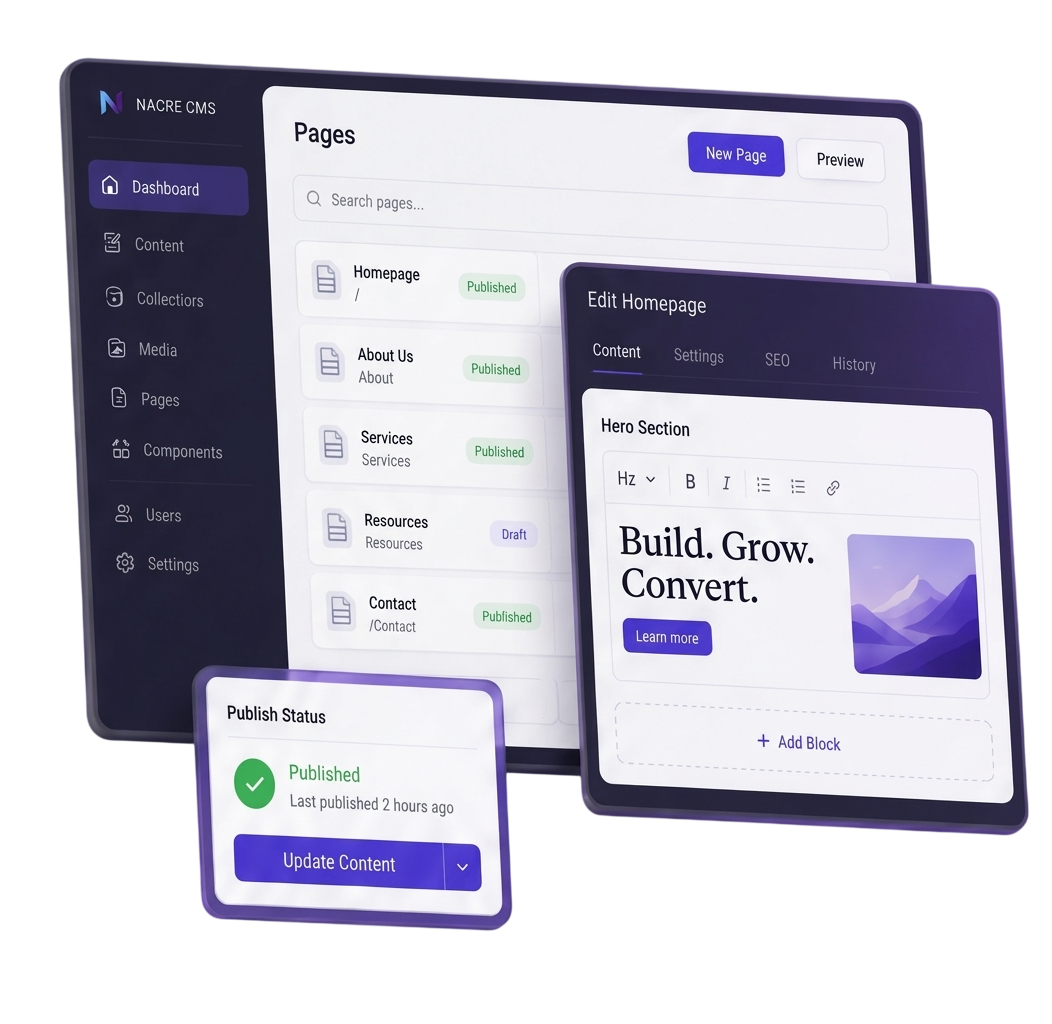
We design and improve CMS setups around how your team creates, reuses, reviews and publishes content, with enough control to keep the experience consistent.

When the CMS Gets in the Way

Content Should Not Be Harder to Manage as the Business Grows

Routine Changes Wait on Developers

Simple updates and new pages keep entering the development queue.

Page Building Loses Consistency

Too much editing freedom creates layouts that are difficult to control and maintain.

Content Gets Duplicated

The same information is copied across pages because reusable content was never structured properly.

More Teams Create More Complexity

Sites, markets, languages and approvals become difficult to coordinate inside the current setup.

CMS Capabilities

CMS Work for Different Content Problems

CMS Implementation

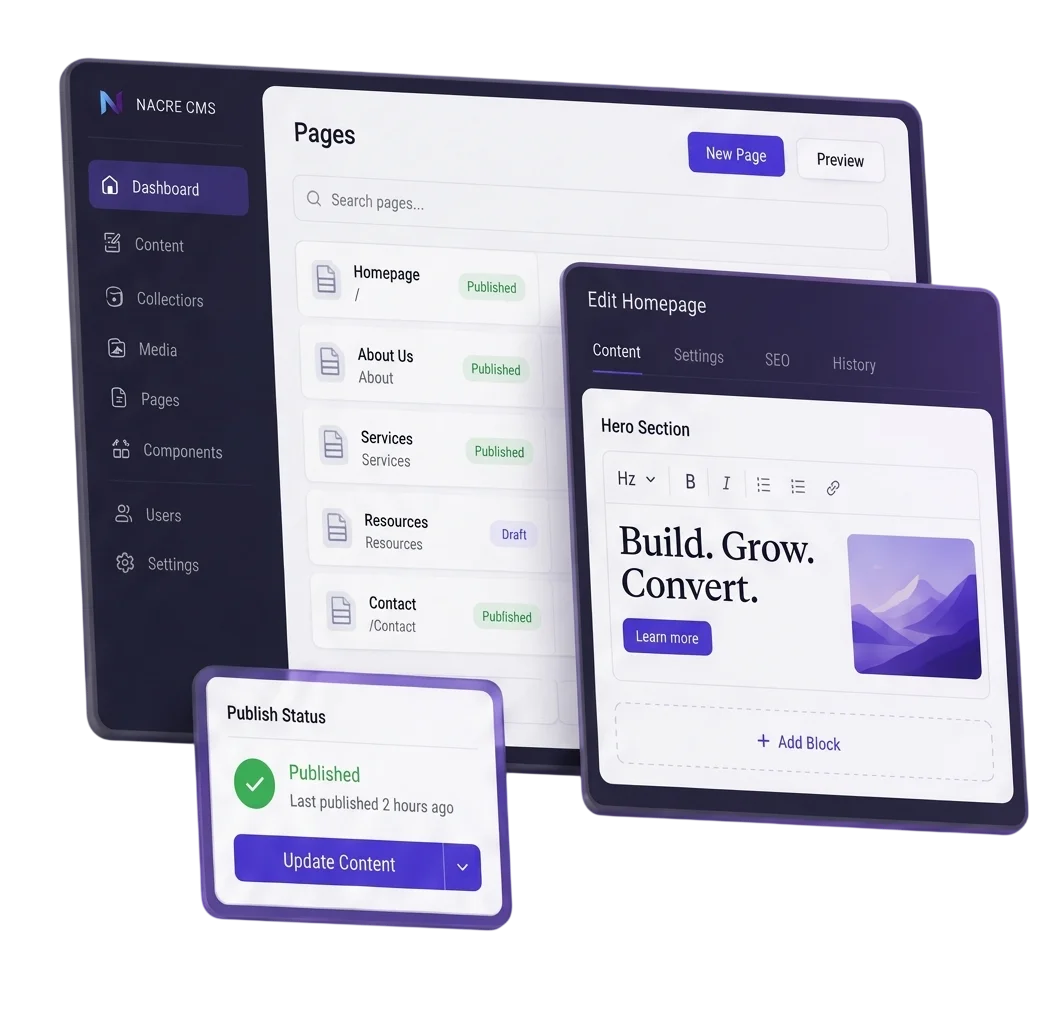
Create a CMS around the people, content and publishing workflow that will use it.

Typical work

CMS setup

Content types

Editor controls

Preview

Publishing

CMS Modernisation

Improve an existing CMS when structure, templates, extensions or implementation are holding it back.

Typical work

CMS audit

Upgrades

Template rebuilds

Extension review

Workflow fixes

Content Modelling & Reuse

Structure recurring information once so it can be managed and reused without unnecessary duplication.

Typical work

Content types

Fields

Relationships

Taxonomies

Shared content

Editorial Workflows & Permissions

Give different teams the access they need without giving everyone control over everything.

TYPICAL DELIVERABLES

Roles

Permissions

Reviews

Approvals

Publishing

Multi-Site & CMS Integrations

Coordinate content across sites or markets and reduce duplicate maintenance between connected systems.

TYPICAL DELIVERABLES

Multi-site

Localisation

Shared content

Integrations

Data sync

CMS Direction

Decide the Shopify Boundaries Before Development Starts

01

What Editors Control

Define what teams can change independently and what should remain protected.

02

What Should Be Reusable

Identify content that should be managed once rather than recreated across pages.

03

How Publishing Is Governed

Set clear editing, review and publishing responsibilities where multiple people are involved.

04

Whether the Platform Should Change

Determine whether the current CMS needs improvement, an upgrade, migration or replacement.

The platform follows these decisions, not the other way around.

Project Delivery

What Your Team Receives

Content Model

A clear structure for the content your team needs to create, connect and reuse.

Can include

Content types

Fields

Relationships

Taxonomies

Editor Components

Reusable page sections with practical editing freedom and defined layout boundaries.

Can include

Page blocks

Templates

Required fields

Preview

Roles & Publishing Setup

Access and publishing rules matched to the responsibilities of each team.

Can include

Roles

Permissions

Reviews

Approvals

CMS Configuration

The chosen platform configured around the agreed content and editorial requirements.

Can include

CMS setup

Admin configuration

Environments

Custom fields

Content Migration

Existing content moved into the new structure with its important relationships and search signals protected.

Can include

Content mapping

Media

Metadata

URLs

Redirects

Editor Handover

The guidance and access needed for the internal team to manage the CMS after launch.

Can include

Training

Documentation

Admin access

Publishing guidance

Fix the CMS or Replace It?

A difficult CMS does not automatically need migration. We identify what is actually limiting the team before recommending the level of change.

SELECTED WORK

CMS Work That Improved the Content Operation

Use verified projects where the CMS work changed how content was structured, managed or published.

Verified CMS Project Name

VIEW CASE STUDY →

Verified CMS Project Name

VIEW CASE STUDY →

They did not start by telling us to rebuild. They audited the store, removed apps we did not need, and fixed the templates that were actually slowing us down. The rebuild we were quoted elsewhere turned out to be unnecessary.

John Welker

Role, Company

Our Process

From Content Problems to a CMS Your Team Can Run

Interactive CMS Process Section
Audit Content & Editors
Model the Content
Choose the CMS Approach
Build Editor Controls
Migrate & Connect
Validate & Handover
AUDIT CONTENT & EDITORS

Understand Current Content and Editorial Workflows

Understand the current content, publishing process and points of dependency.

MODEL THE CONTENT

Structure Reusable Data Before Building Controls

Define what should be structured, connected and reusable before building editor controls.

CHOOSE THE CMS APPROACH

Align Platform Architecture With Business Needs

Match the platform and architecture to the editorial, integration and multi-site requirements.

BUILD EDITOR CONTROLS

Balance Editorial Freedom With Brand Consistency

Create components, permissions and workflows that balance independence with consistency.

MIGRATE & CONNECT

Transfer Data Safely and Connect Systems

Move approved content carefully and connect the systems that need to exchange information.

VALIDATE & HANDOVER

Verify System Quality Before Team Takeover

Test content, permissions and publishing tasks before the internal team takes control.

Audit Content Illustration Model Content Illustration CMS Approach Illustration Editor Controls Illustration Migrate & Connect Illustration Validate & Handover Illustration

Controlled Flexibility

Give Different Teams the Right Level of Control

Editor Independence

Routine publishing should not require development support.

Layout Guardrails

Editors get useful choices without being able to break core page patterns.

Structured Reuse

Shared information can be updated once and used wherever it is needed.

Publishing Control

Editing, review and publishing rights follow real team responsibilities.

Shared & Local Content

Common structure can stay consistent while markets or sites manage approved local differences.

Clear Ownership

The CMS remains understandable for the people responsible for maintaining it after launch.

Why Nacretech

CMS Decisions With a Reason Behind Them

Diagnose Before Replacing

We separate platform limitations from poor structure, configuration, extensions and workflow problems.

Editors Shape the Build

The people managing content after launch influence the CMS structure from the beginning.

Complexity Has to Earn Its Place

Headless or more custom architecture is recommended only when the requirement justifies the added complexity.

Handover Reduces Dependency

Access, documentation and editor guidance are planned so everyday control does not stay with developers.

COMMON QUESTIONS

CMS Development FAQs

Not necessarily. We first identify whether the real issue is the platform, implementation, content structure, templates, extensions or workflow.

That depends on how your team publishes, the complexity of the content, integrations, sites and future requirements. Headless is considered only when there is a clear reason for it.

Yes, where appropriate. Reusable components can give editors practical freedom while protecting important layout and content rules.

Yes. Roles can control what people can edit, review and publish according to their responsibilities.

Migration is planned around content structure, media, metadata, URLs and redirects, followed by validation before and after release.

Yes, when the requirements support it. Shared content and structure can stay central while approved local content remains manageable by the right teams.

CMS Development

Ready to Stop Working Around Your CMS?

Bring us the current platform, publishing problem or new requirement. We will help determine what should improve, what should stay and what genuinely needs replacing.